The Daily Weekly Notes Planner: A Central Hub for Organized Productivity
In the world of productivity tools, planners often fall into one of two categories: either rigidly structured or completely blank. The Daily Weekly Notes Planner occupies a vital middle ground, serving as a flexible, central hub for capturing, organizing, and executing your thoughts and tasks across both short-term days and longer-term weeks. It is more than just a notebook; it is a designed workspace formatted for clarity and action. For professionals, creators, and anyone managing multiple streams of information, this planner integrates into the core workflow where ideas meet implementation.
Where the Planner Fits in Your Productivity Ecosystem
Consider your current process. You likely have a calendar for appointments, a task management app for deadlines, and various notes scattered across devices or sticky notes. The Daily Weekly Notes Planner acts as the physical or digital anchor point that precedes and feeds into those specialized systems. Its role is often in the preparation and synthesis stage. Before you log a task into a digital tool, you might brainstorm or outline it here. After a meeting, you can distill the key action items from your rough notes into this structured format before delegating or scheduling them. It is the workshop where raw material is shaped into actionable components.
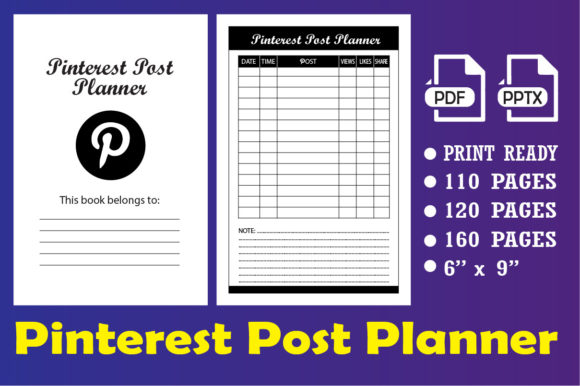
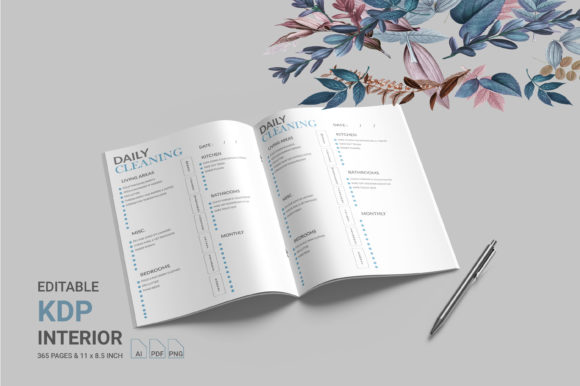
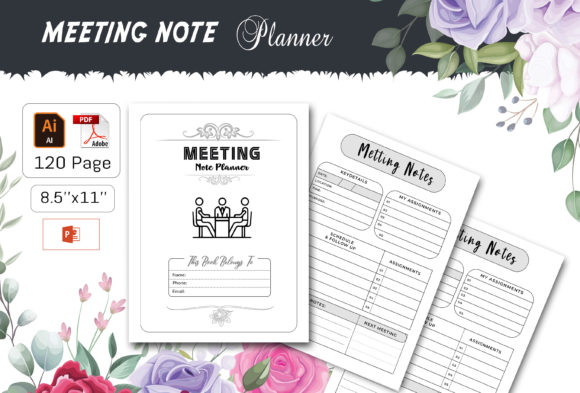
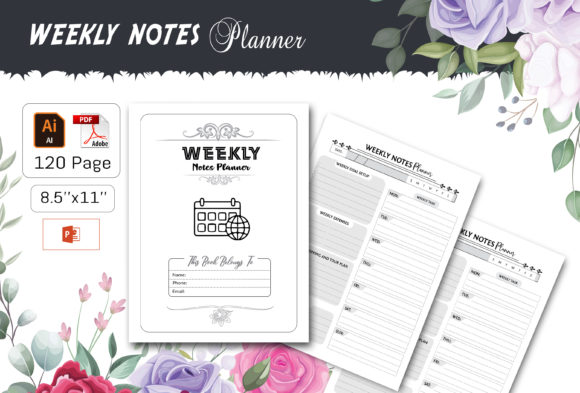
This interaction with other tools is seamless. Because the planner is provided as a fully editable vector file, you can customize it to include sections that reference your other platforms. For instance, you might have a daily block labeled "From Email" to capture tasks gleaned from your inbox, or a weekly summary area to consolidate metrics from a business dashboard. Its compatibility, offering AI, EPS, PPT, PDF, and JPEG files, means you can use it in Adobe Illustrator for deep design changes, in PowerPoint for quick weekly updates, or simply print the PDF as a ready-to-use booklet. This versatility ensures the planner adapts to your ecosystem, not the other way around.
Structuring Your Workflow: Daily and Weekly Integration
The dual daily/weekly structure is key to its practical function. The daily pages allow for minute-by-minute, task-specific logging. This is where you capture immediate notes, sudden ideas, and precise to-do items. The weekly overview pages, however, provide space for reflection, goal alignment, and tracking broader progress. A natural workflow might involve starting your Monday by reviewing the weekly page’s main objectives. Throughout the day, you use the daily section to manage execution. At the end of the day, you spend a few minutes transferring any unfinished or newly important items to the next day’s page, and perhaps noting a win or insight in the weekly summary area. This creates a continuous loop of planning, action, and review.
Implementation Tips for Different Users
For a freelancer or creative, the planner can segment client work, personal project development, and administrative tasks. Use the daily pages to log time spent on specific projects, and the weekly pages to track overall hours and invoiceable work. The included 100 vector shapes are easily resizable icons you can use to visually tag different project types.
An educator or small business owner might use the weekly section for high-level curriculum or campaign planning, while the daily pages manage the actual lesson preparations, student interactions, or customer communications. The easy-to-change colors feature allows you to color-code by class, priority, or department, enhancing visual organization at a glance.
Entrepreneurs and marketers dealing with data can use the planner for qualitative analysis. Weekly pages can hold overarching campaign goals and key performance indicators, while daily pages capture observations, ad copy ideas, or competitor notes that feed into that weekly analysis. Having a print-ready file with high-quality 300 dpi ensures that if you prefer a physical copy for brainstorming sessions, the output is sharp and professional.
Optimizing for Long-Term Use and Consistency
The value of any tool compounds with consistent use. The design of this Daily Weekly Notes Planner supports long-term usability through its organization and quality. The total 120 pages provide ample volume for a sustained quarter of use, encouraging you to maintain the habit. Since the file is easy to edit, you are not locked into a format that might become irrelevant. As your workflow evolves, you can adjust the planner’s sections. Perhaps in Q1 you need a large section for budget tracking, but in Q2 you shift focus to content production. You can modify the template accordingly, maintaining efficiency without learning a new tool.
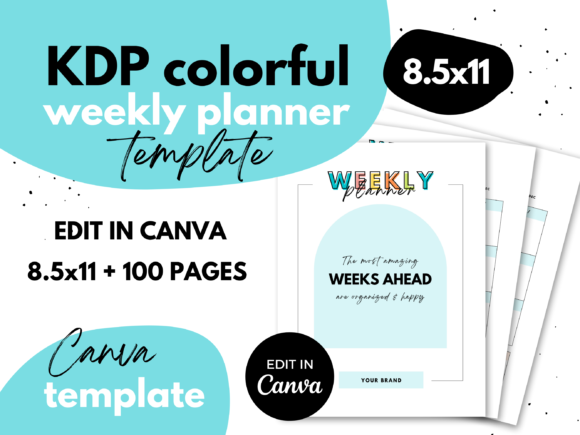
Quality control is inherent in the package. Being formatted and tested for KDP means the layout is functionally sound, with clear typography and logical spacing. The NO BLEED design with an 8.5 x 11 inch file size is optimized for clean home or office printing, eliminating a common technical hurdle. This reliability means you spend time on your process, not on fixing margins or alignment issues.
Building Your Own Customized Planner System
The ultimate practicality of this offering is that you are building your own system. You receive the raw, high-quality components—the vector shapes, the editable layouts, the multiple file formats—and you assemble them to fit your precise mental model. This is not passive consumption of a pre-defined planner; it is active creation of your personal productivity hub.
Start by assessing your current note-taking chaos. Identify what you capture daily (meeting notes, quick tasks) versus what you review weekly (goals, progress metrics). Then, using the Illustrator CC 2019 Ai or EPS file, map those categories onto the template. Create designated areas. Use the vector shapes as visual anchors. The process of customizing the planner itself is a valuable exercise in clarifying your workflow. Once set up, the routine becomes straightforward: daily capture, daily processing, weekly synthesis. This integration smooths the friction between thought and action, creating a consistent path for execution.
The Outcome: From Notes to Actionable Results
A planner that sits unused is merely a template. The Daily Weekly Notes Planner, when integrated into your workflow, becomes a catalyst for results. Its purpose is to transform disparate notes into organized, actionable information. By providing a dedicated, well-structured space for both the granular (daily) and the strategic (weekly), it prevents ideas from being lost and ensures tasks are connected to larger objectives. For the productivity-minded user, this bridge between detail and direction is where real progress happens. Whether printed and bound for tactile use or edited digitally for screen-based workflows, it offers a controllable, professional center for managing the complexity of modern work and life, turning weekly plans and daily notes into consistent outcomes.